Books, nature and magic
Another side of the model. You can tell that the plant loves the camera. I recently took a course on Maya, and wow, I can't believe I was missing in all the fun! This is my final project of it, a model based on the artwork of Yuliya Belaya. I already had an idea of how 3D modeling work, as I have some prior experience with Zbrush, but creating this in Maya is a whole different thing. There are some tools that I'll get better at as time goes by (I'm looking at you, Bezier Tool) but overall, I'm very happy with the result. One of the critical aspects of this project was to make it as close as possible to the original model in that view, so I had to adjust the base to have that strange perspective, so it was a little more prominent at the back. Looking back I can see that maybe I could have made a couple more camera and object adjustments to make it better, but time was of the essence so I had to deliver on time to keep on with the assignments.
I now have a better idea of how to work objects and think about the process of making them.
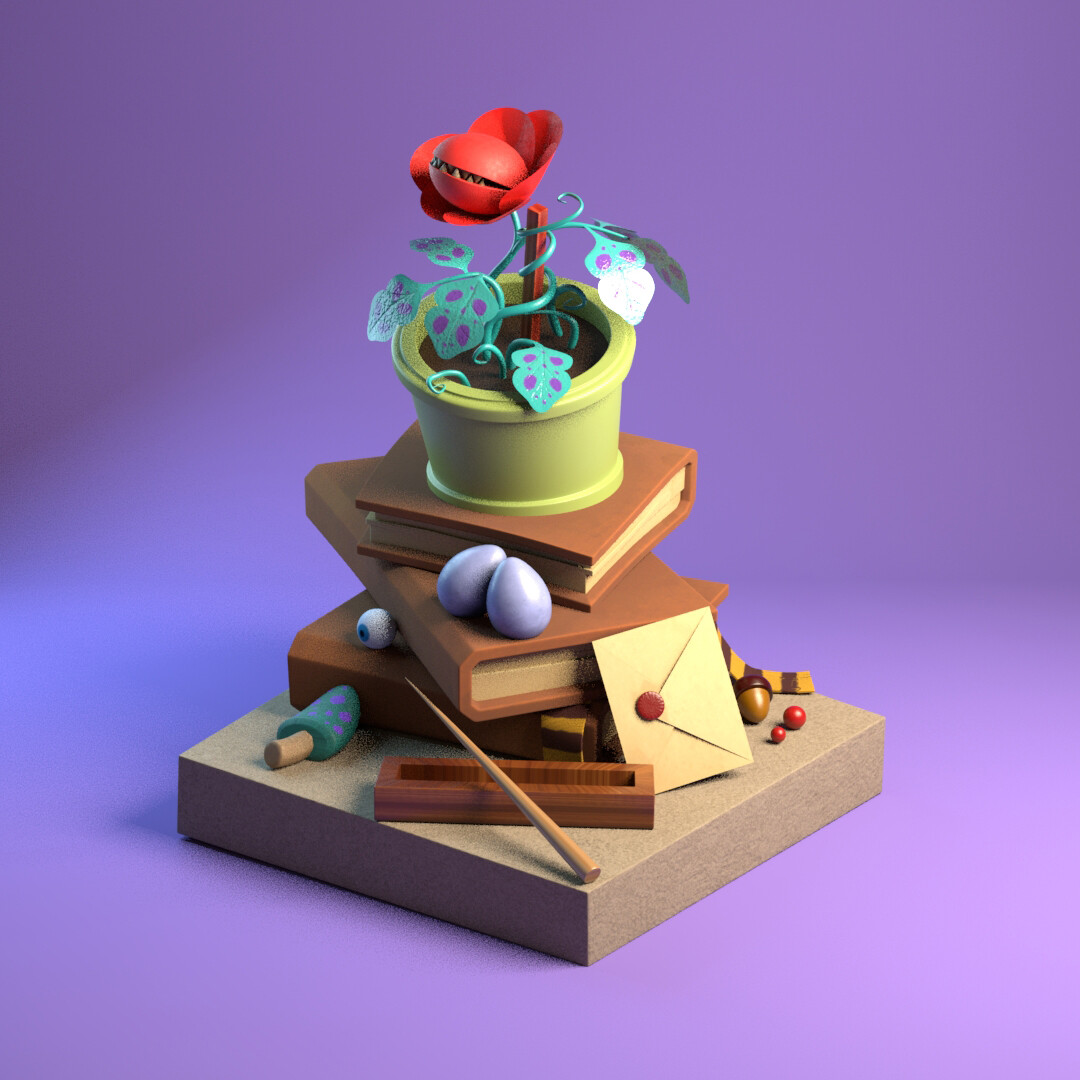
I added some color to the background instead of the dark from the original image to give the appearance that it was a product photoshoot.

Orignal work by Yuliya Belaya
Color Turnaround

I'm quite happy with the way the vines look, I did have a little trouble at the beginning of their creation, I couldn't control the bezier tool as I wanted, but in the end, I managed to get it done.

Another side of the model. You can tell that the plant loves the camera.

AO Turn around
Wireframe turn around
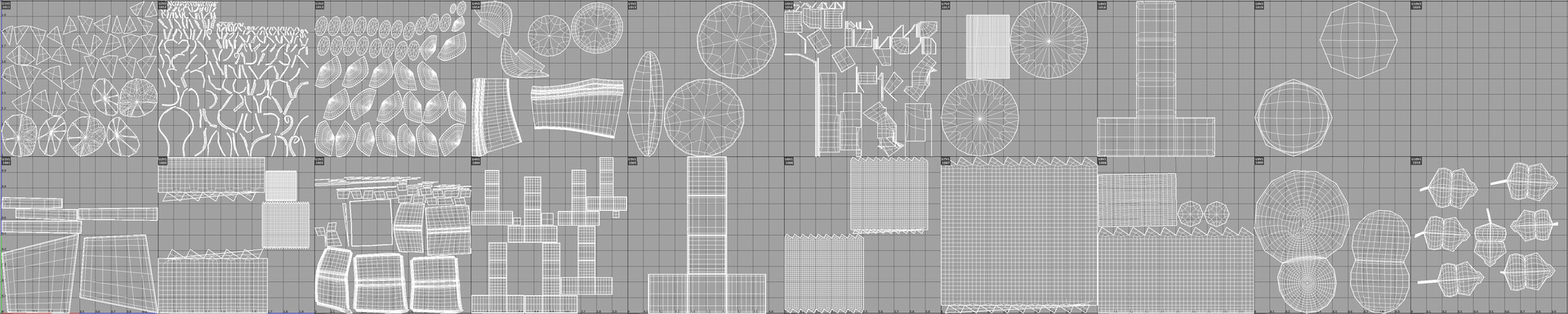
UV map